How to mark Attendance by the Staff?
Daily attendance marking is easy and faster now with Sanarp Attendance. Follow the below steps to mark attendance using Sanarp mobile attendance.
To do Check-in:
Step1: Open the Sanarp Attendance Application in the Attendance mobile.
Step2: Once open, you will see a page like below. In the “Employee Number” box, enter your employee number.
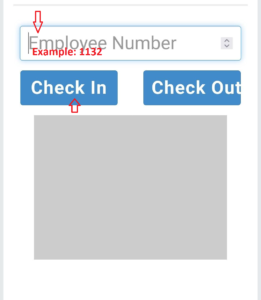
Step3: Click on “Check In” button to check-in the attendance. This completes the check-in process.
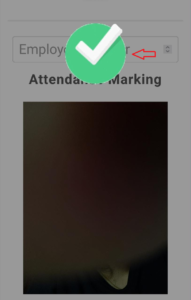
To do Check-Out:
Step1: Open the Sanarp Attendance Application in the Attendance mobile.
Step2: Once open, you will see a page like below. In the “Employee Number” box, enter your employee number.
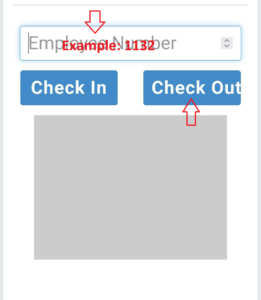
Step3: Click on “Check out” button to check-out the attendance. This completes the check-in process.
Missed Check-In / Check-Out:
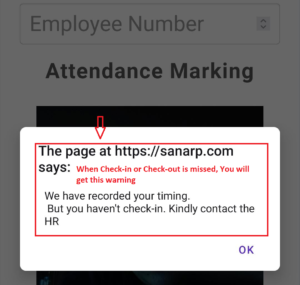
If the staff missed out the Check-in and Check-out, then when they enter the employee number and click the Check-in or Check-out button, the staff will get warning notification pop-up (refer below).