
How to Assign an Inspection Template to a staff?
A template can be assigned to as staff through the Inspection menu. To assign an Inspection template, follow the below steps –
Step1: Log in to www.sanarp.com
Step2: Navigate to Inspections from Menu, click on Templates->Import Template
Step3: Click on the plus(+) sign under Assign To column (Refer Image1)
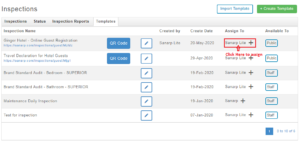 Image1
Step4: Click on Search by Employee name field to search employee’s name.
Step5: Select employee name and click on save to successfully assign the inspection. (Refer Image2)
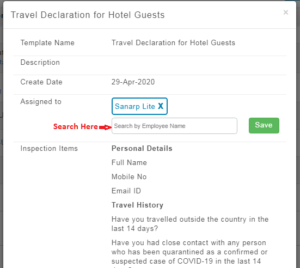 Image2
